Nature Bundle (Early Bird Special)
$60 value, yours for $42
Launch bonus: order by July 25th and get 10 bonus nature brushes, free.
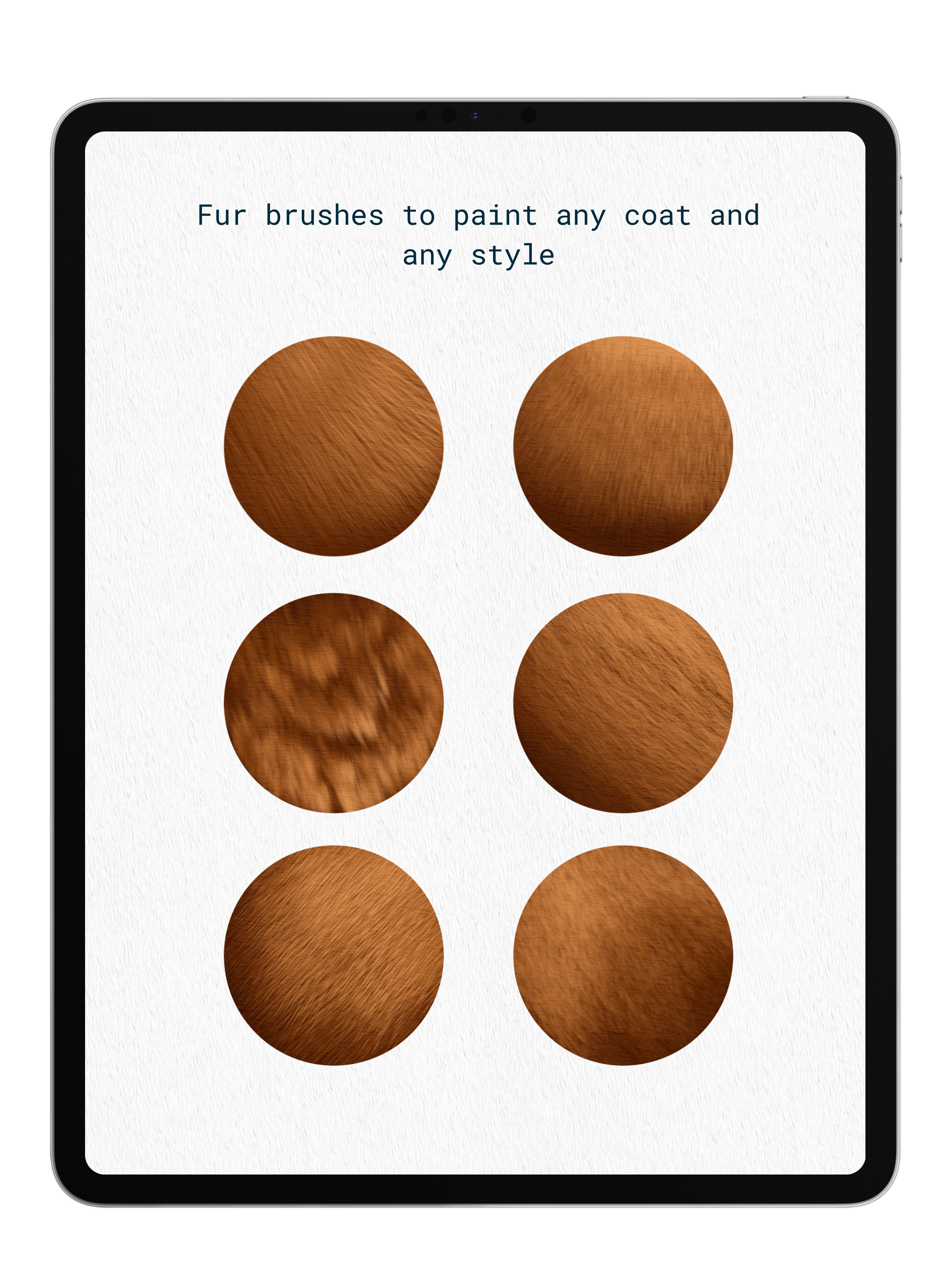
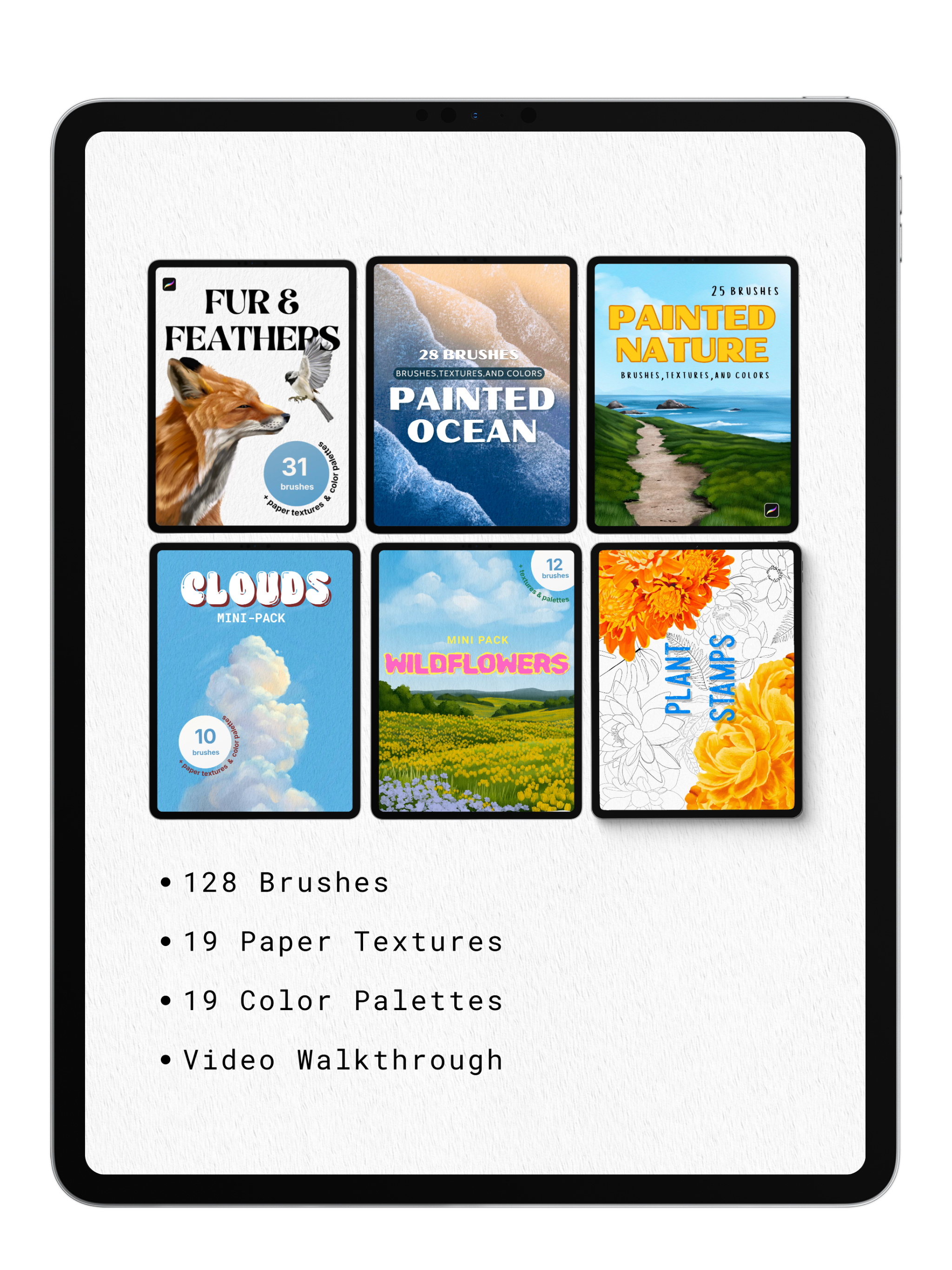
Everything you need to paint the natural world, in one collection. The Nature Bundle brings together six of our nature packs — 166 tools total — so you can build entire landscapes from the ground up: skies, water, flowers, fur, feathers, and foliage, all hand-painted and never stamped.
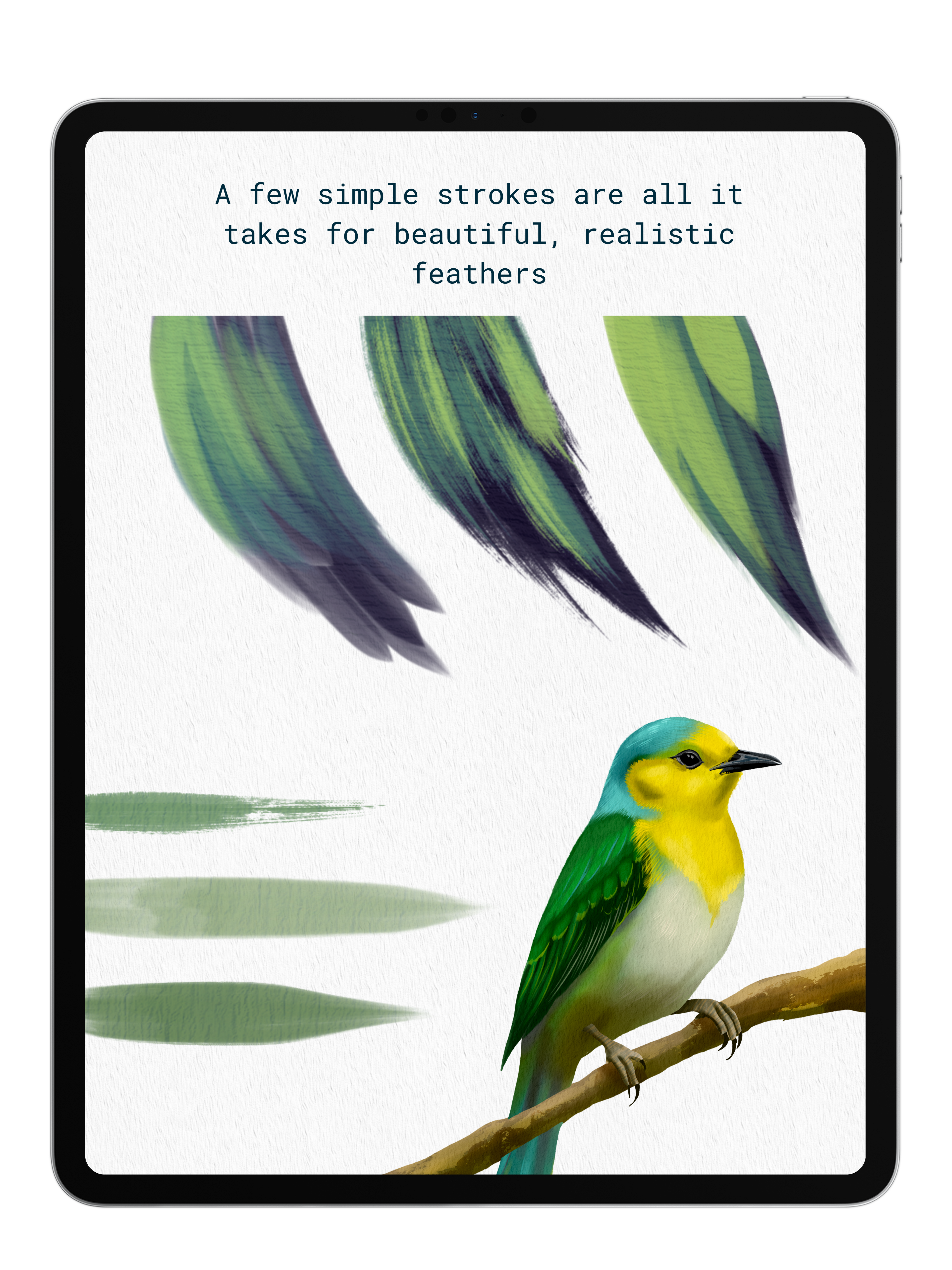
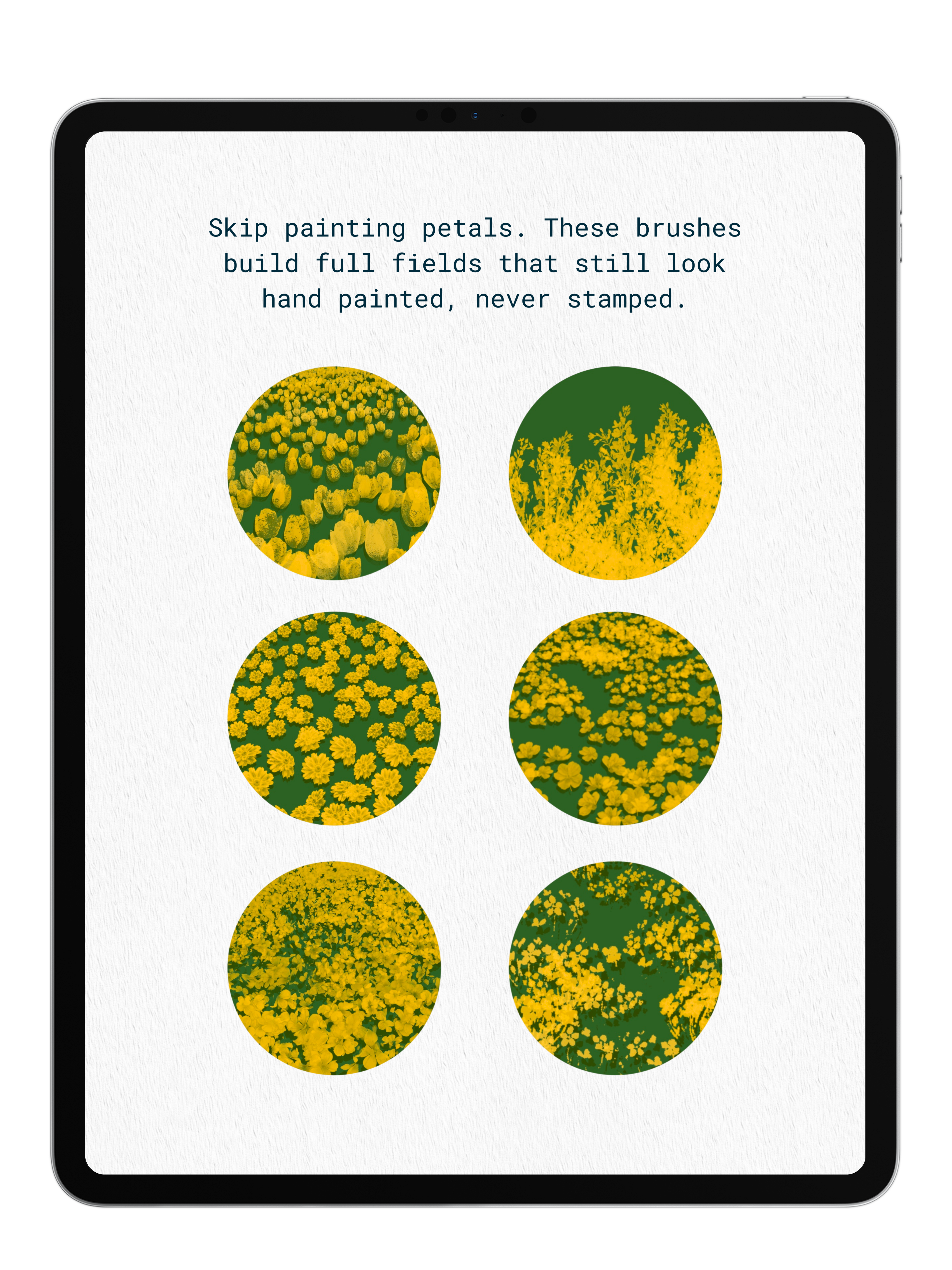
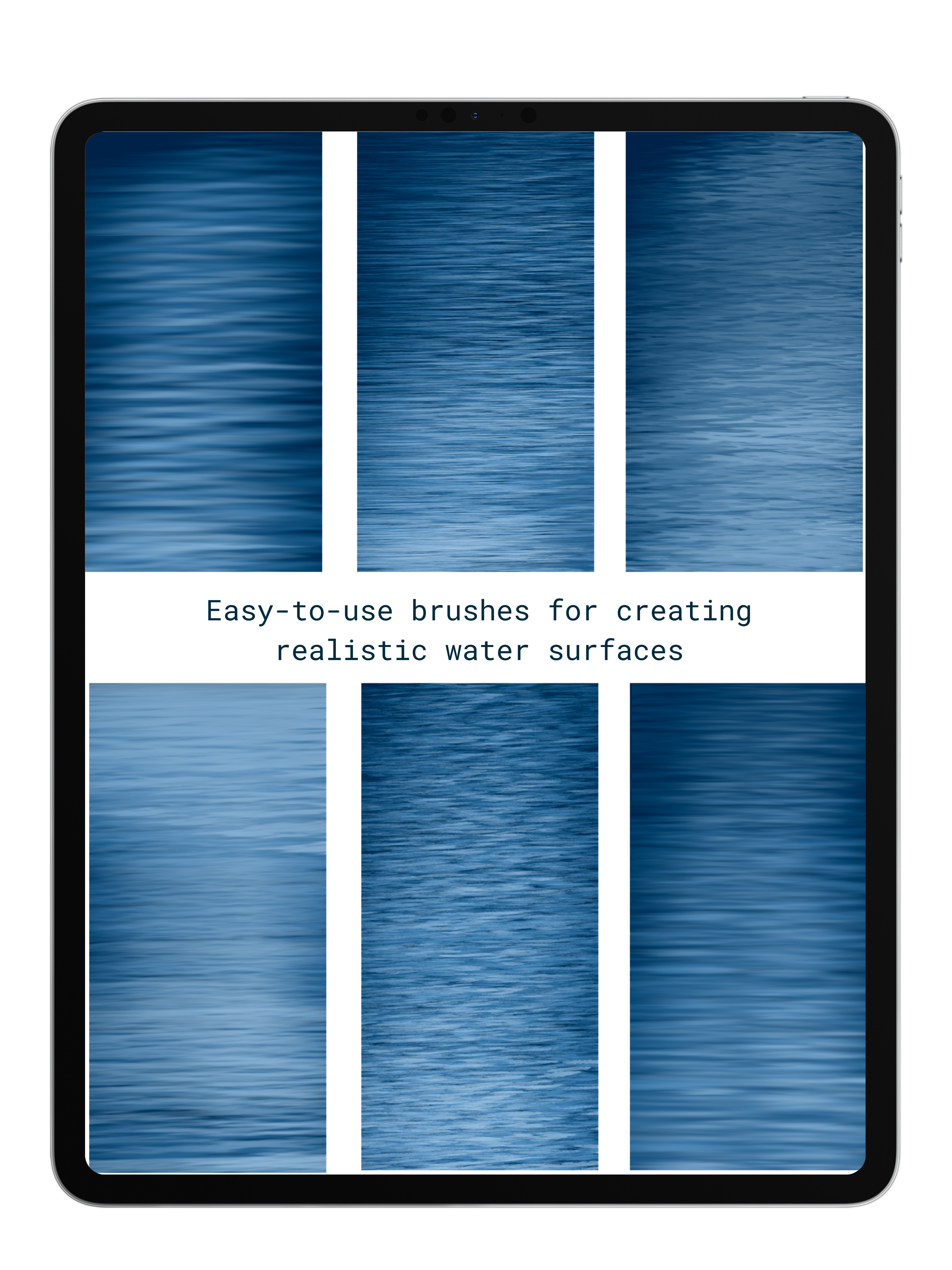
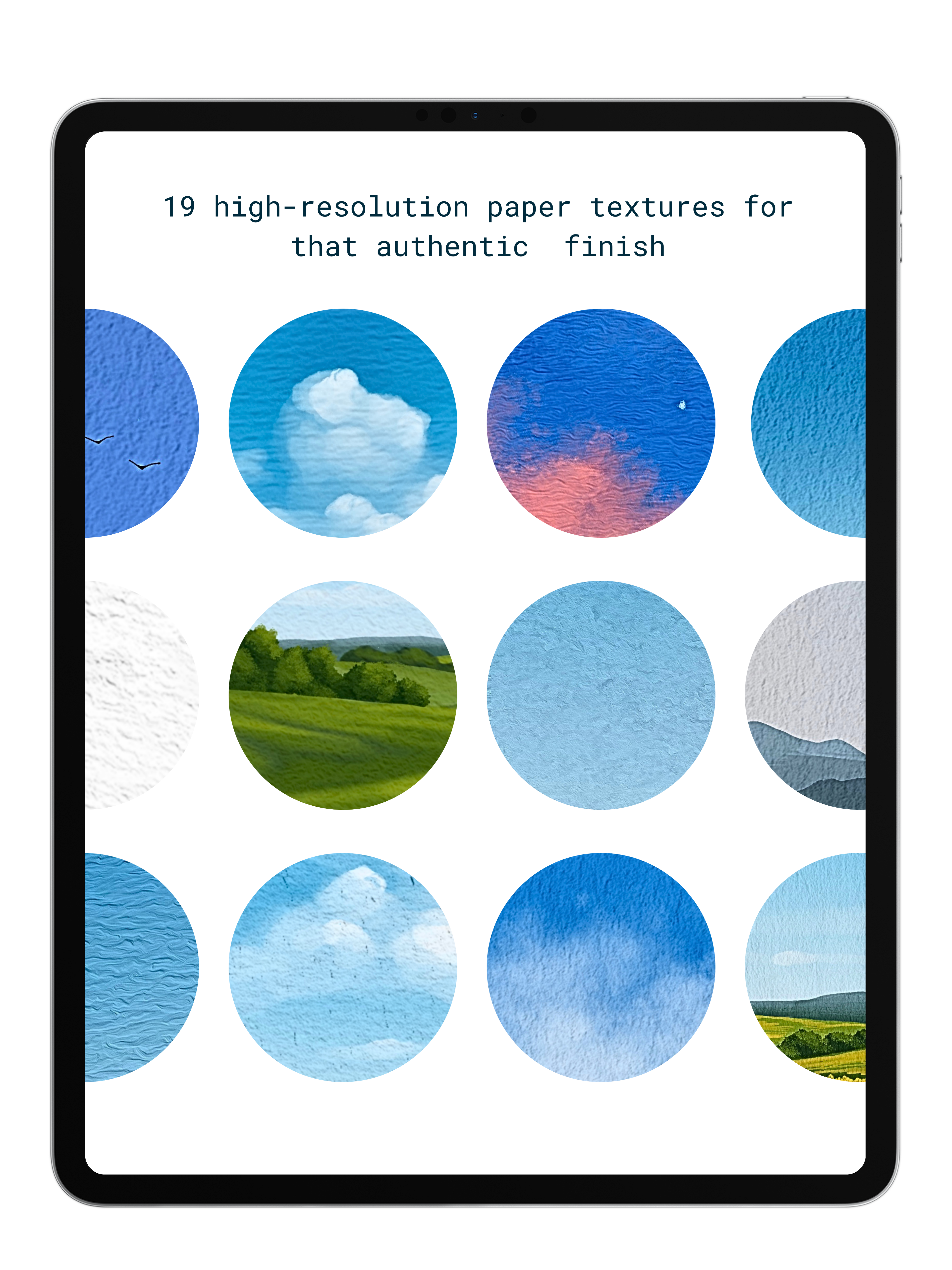
Paint realistic clouds and water surfaces, fill full wildflower fields in a few strokes, add fur to any coat and feathers to any bird, and drop in botanical detail with the plant stamps. Whatever the scene calls for, there's a brush tuned for it — plus 19 paper textures for an authentic finish, 19 color palettes to pull from, and detailed video walkthroughs to help you get the most out of every brush.
What's included:
- Fur & Feathers Pack (31 brushes)
- Painted Ocean Pack (28 brushes)
- Painted Nature Pack (25 brushes)
- Wildflowers Mini-Pack (12 brushes)
- Clouds Mini-Pack (10 brushes)
- Plant Stamps (22 brushes)
- 128 brushes total
- 19 high-resolution paper textures
- 19 color palettes
- Video walkthrough
- Plus 10 bonus nature brushes — free through July 25th
Pairs well with
Nature Bundle (Early Bird Special)
If you have any questions, you are always welcome to contact us. We'll get back to you as soon as possible, within 48 hours on weekdays.
-
Product Delivery
Once you complete your purchase, you'll receive instant access to your products via email—no waiting required!
-
Customer Support
Need help? Our team is here to assist you and will get back to you within 1-2 business days
-
FAQ’s
Find answers to common questions about accessing products, importing brushes, and more in our FAQs
Product Features and Benefits
What’s Inside the Nature Bundle
- Fur & Feathers Pack — 31 brushes: Paint any coat and any bird. Fur brushes for every style, plus feather brushes that build realistic wings and plumage in a few simple strokes.
- Painted Ocean Pack — 28 brushes: Easy-to-use brushes for realistic water surfaces, from calm reflections to open sea.
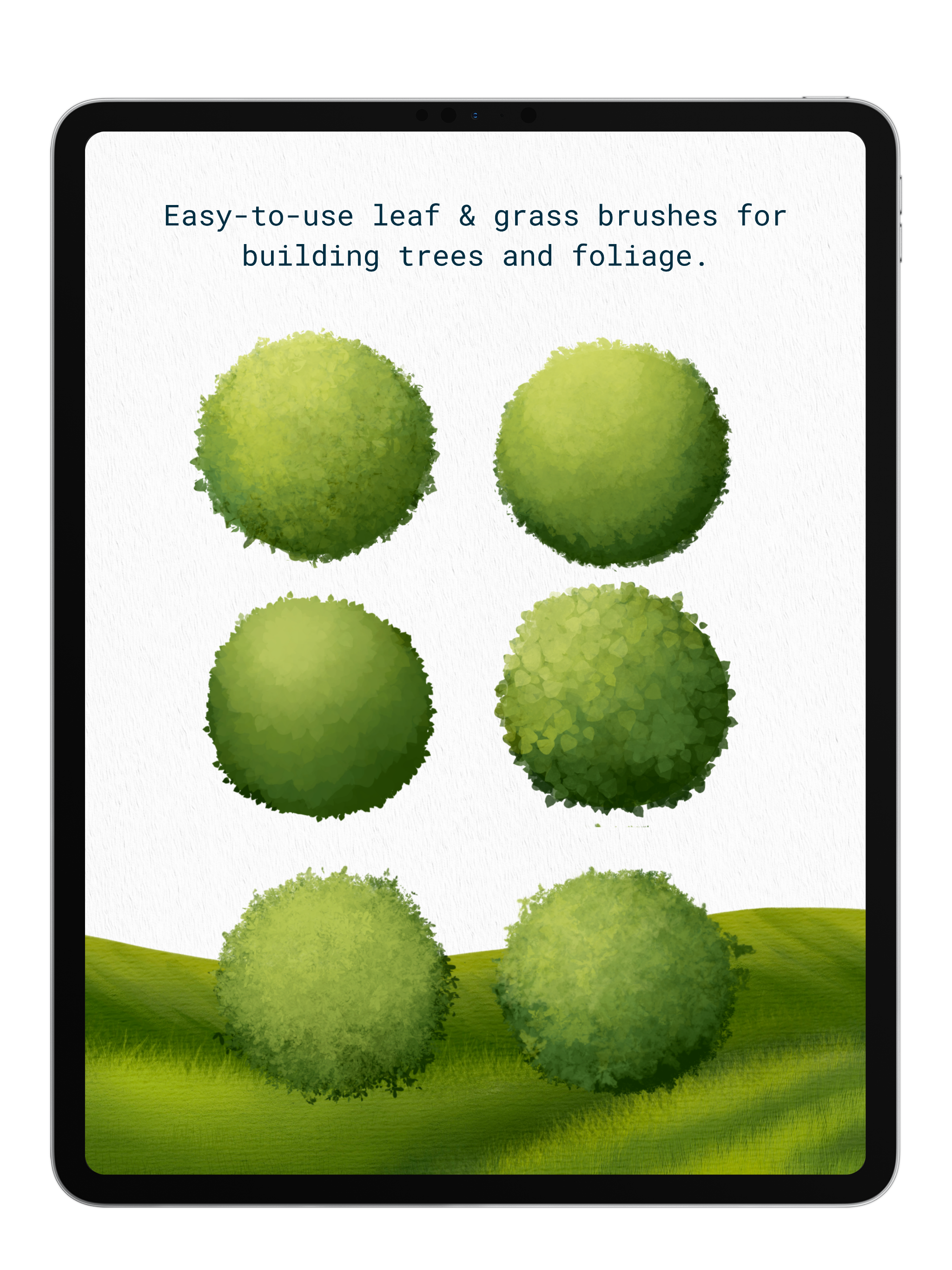
- Painted Nature Pack — 25 brushes: The core landscape kit — grass, trees, terrain, and foliage for building full natural scenes.
- Wildflowers Mini-Pack — 12 brushes: Fill whole fields without painting a single petal. Work near to far by sizing the brush down, then switch to the hand-drawn brushes for the far distance.
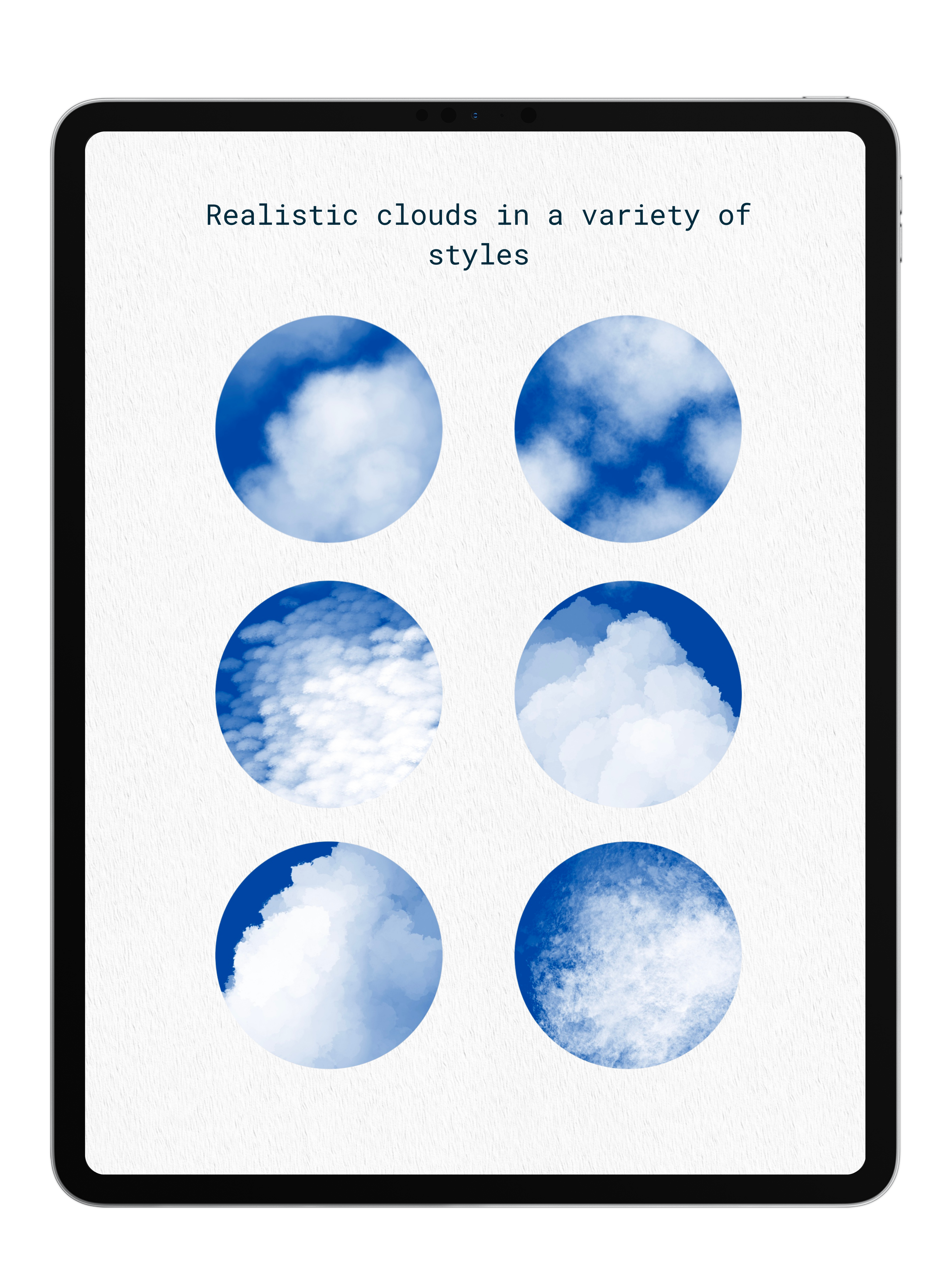
- Clouds Mini-Pack — 10 brushes: Realistic, painterly clouds in every mood — soft sunny skies, dramatic storybook billows, and everything between.
- Plant Stamps — 22 brushes: Drop in detailed botanical stamps — flowers, leaves, and foliage — for quick, intricate plant detail.
Plus:
- 19 high-resolution paper textures
- 19 color palettes
- Detailed video walkthroughs
Why You’ll Love It
- Everything nature, one buy. Six packs, 166 tools — skies, water, fields, fur, feathers, and foliage. No more hunting for the right pack mid-painting.
- Hand-painted, never stamped. Every brush is built to look like real brushwork, not a repeated shape dropped on a canvas.
- Pressure-responsive control. Press harder for vibrant, defined color; ease off for soft edges that feather and blend.
- Built for real landscapes. Work near to far by sizing brushes down, then switch to the hand-drawn brushes for anything in the distance.
- The analog finish. 19 high-resolution paper textures and 19 color palettes give your work that authentic, traditional feel.
- Never guess how to use them. Detailed video walkthroughs show you exactly how to get the most out of every brush.
- $18 saved. $60 value, yours for $42.
Commercial License
Use our brushes in your artwork—personal or commercial—and sell your creations freely. Just remember, reselling or sharing the brushes themselves isn’t allowed. No attribution needed, just great art. Get started now and bring your vision to life! Full details in our Terms of Service or contact anna@digitalartjunky.com.
Paper Textures Included! See the Difference!

Without
With Texture
FAQs
Please read our FAQs page to find out more.
How do I import my Procreate brushes and color palettes?
- After placing an order with Digital Art Junky, you will receive an email containing a download link to your files.
- Open the email and download the file onto your computer or iPad. The digital file will arrive in a .zip format.
- If you're using an iPad, decompress the .zip folder by tapping it once.
- If you're using a laptop, decompress the .zip folder by double-clicking or right-clicking the file and select "decompress".
- Then, using your iPad- open the file and tap your Procreate brush or color pallete file once. this will import it directly into procreate.
How do i download my Clip Studio Paint Brushes?
- After placing an order with Digital Art Junky, you will receive an email containing a download link to your files.
- Open the email and download the file onto your computer or iPad. The digital file will arrive in a .zip format.
- If using an iPad, decompress the .zip folder by tapping it once .
- If using a computer, decompress the .zip folder by double-clicking or right click the file and select "decompress".
- Open Clip Studio Paint on your computer or tablet. Make sure that you have the latest version of Clip Studio Paint installed, as older versions may not support importing brushes.
- In Clip Studio Paint, go to the "Tool" palette located on the left-hand side of the screen. If you don't see the "Tool" palette, you can open it from the "Window" menu in the top menu bar.
- Open a brush folder of your choice by clicking on one of the brush icons in the Tool menu- then open the full list of Sub Tools
- Locate the downloaded brush file on your computer or tablet.
- Drag and drop the brush file from your computer or tablet into the brush folder you have opened.
How do I import my paper textures?
- After downloading the paper texture file to your iPad or iCloud/Files app, open Procreate.
- Go to the Actions menu (wrench icon) and select "Insert a file."
- Find the texture file you downloaded and tap on it to import it into your canvas.
To use the texture:
- Make sure the texture layer is at the top of your Layers panel, then adjust it to cover the entire canvas. Finally, tap the "N" beside the layer to open the layer settings and select "Linear Burn" to apply the texture.
How quickly will I recieve my order?
Once your order is confirmed on the website, you will instantly receive an email with your download link.
If after 5 minutes you don't see the email in your inbox or your junk folder, contact us!