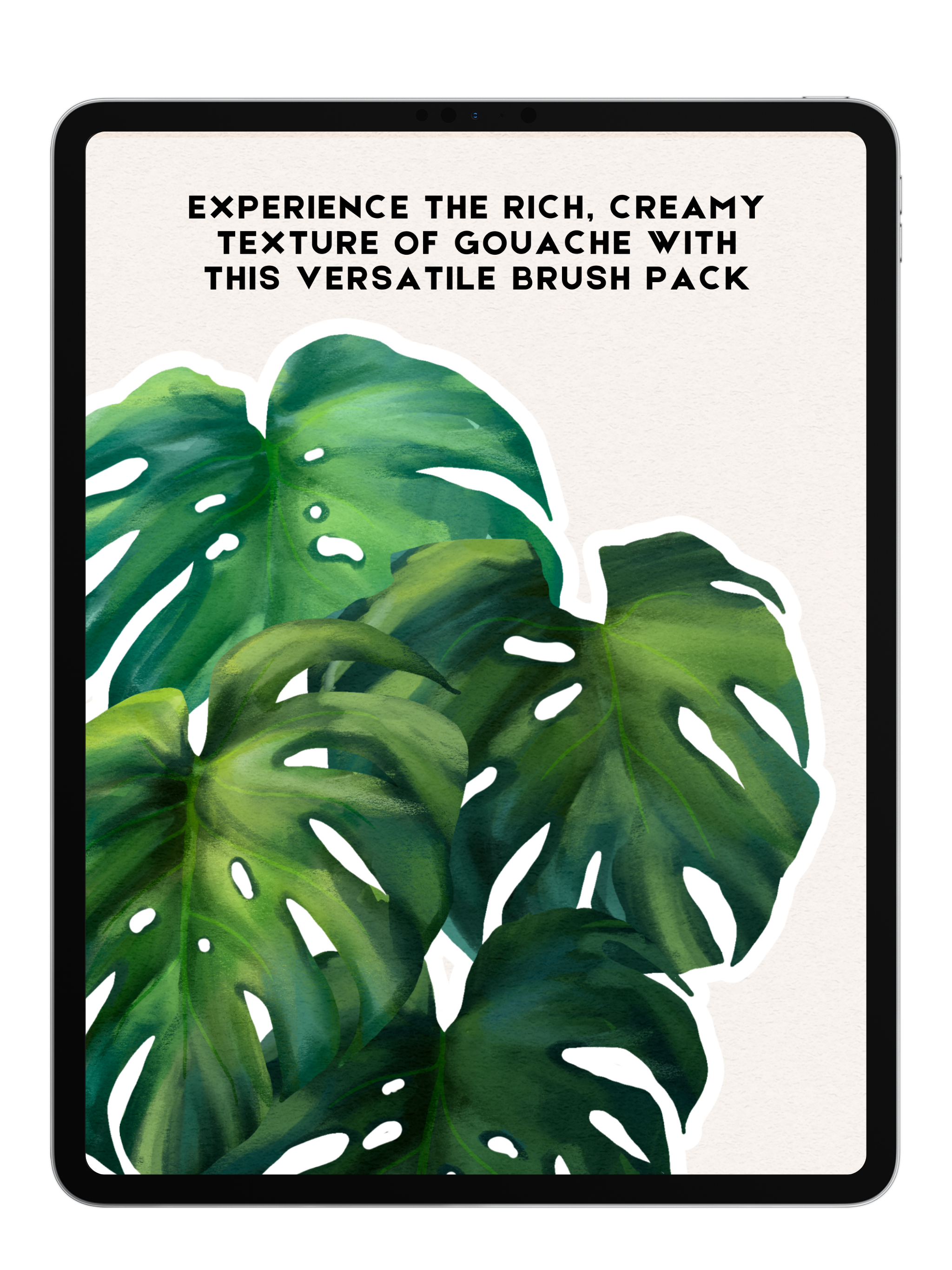
Gouache Brushes
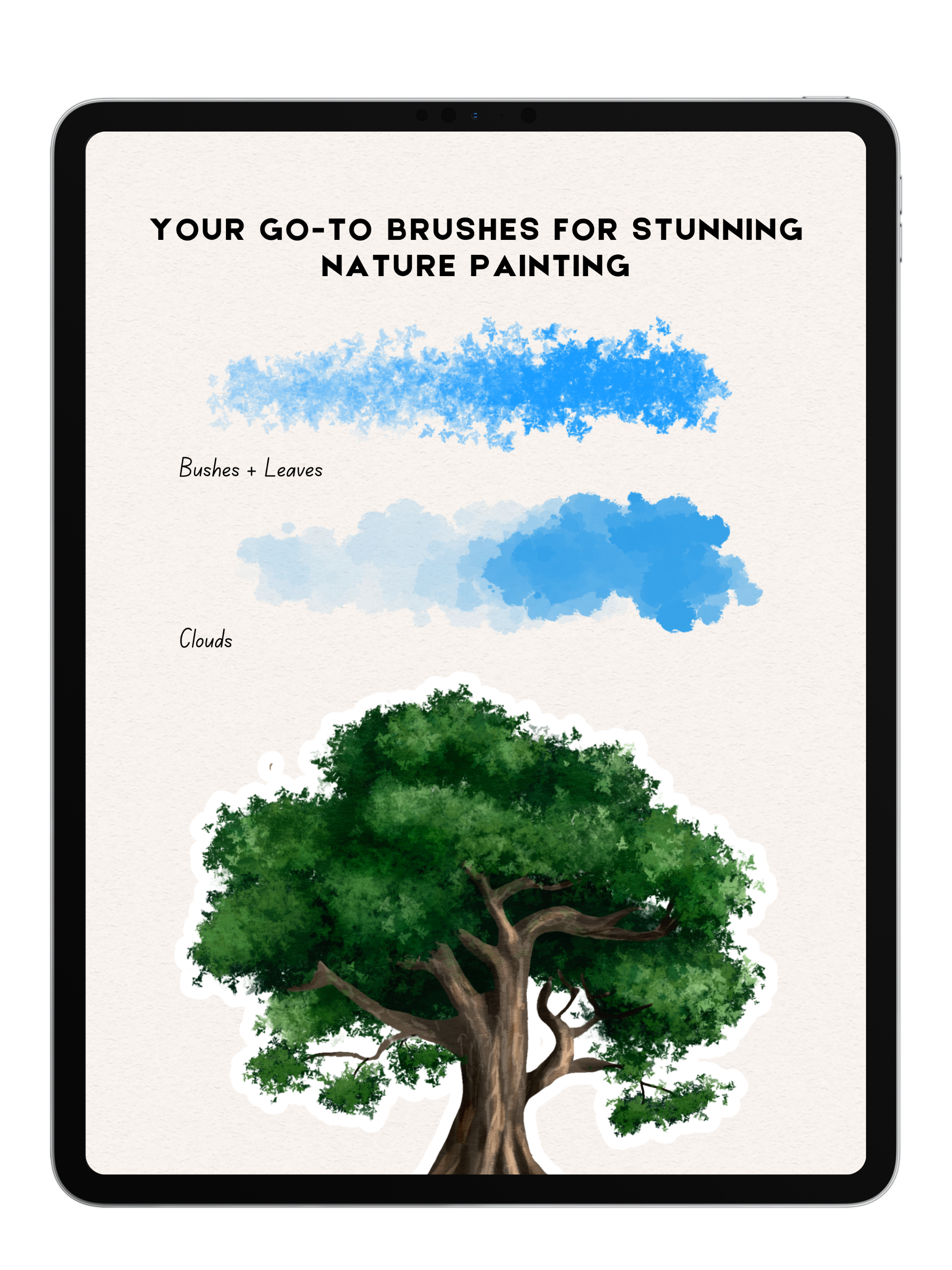
20 brushes for Procreate and Clip Studio Paint that replicate the charm of real Gouache paints!
Perfect for creating artwork with a natural, organic feel, these brushes offer a variety of textures, wetness, and styles to suit any project. Whether you're painting landscapes, portraits, or still life, you'll enjoy experimenting with bold, vibrant, or soft, subtle effects.
Includes:
- 20 Brushes for Procreate or Clip Studio Paint
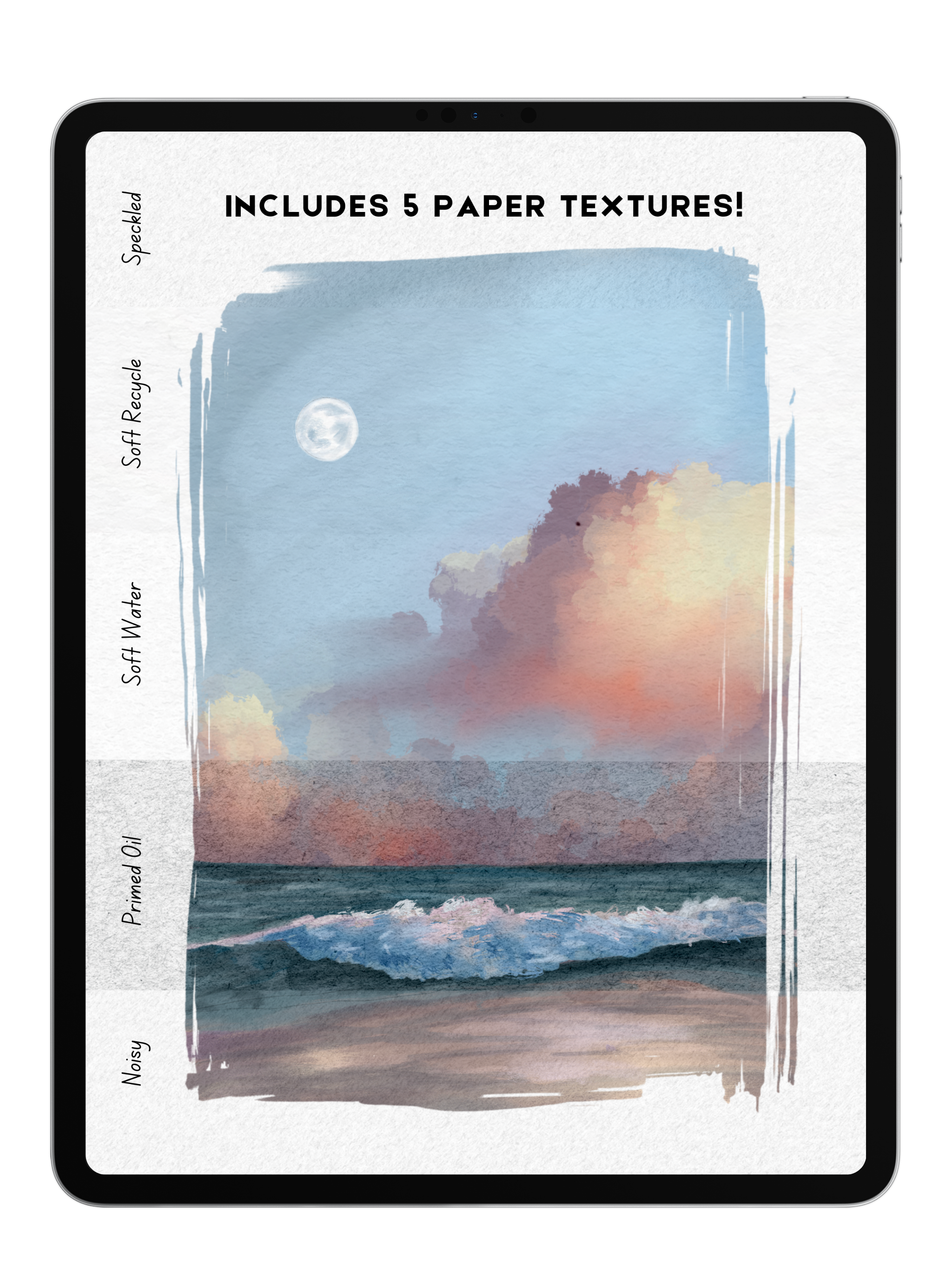
- 5 Paper Textures
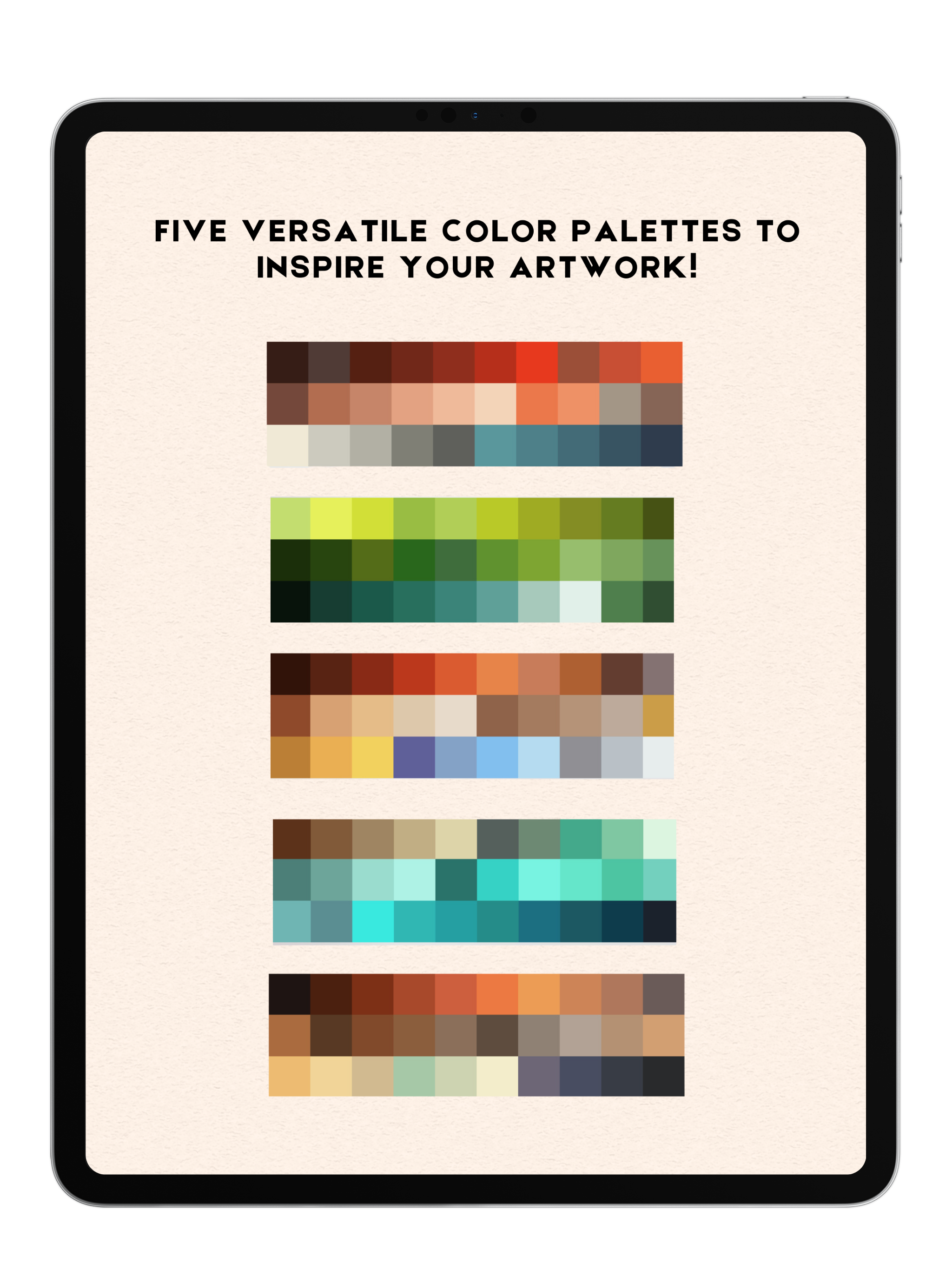
- 5 Color Palettes
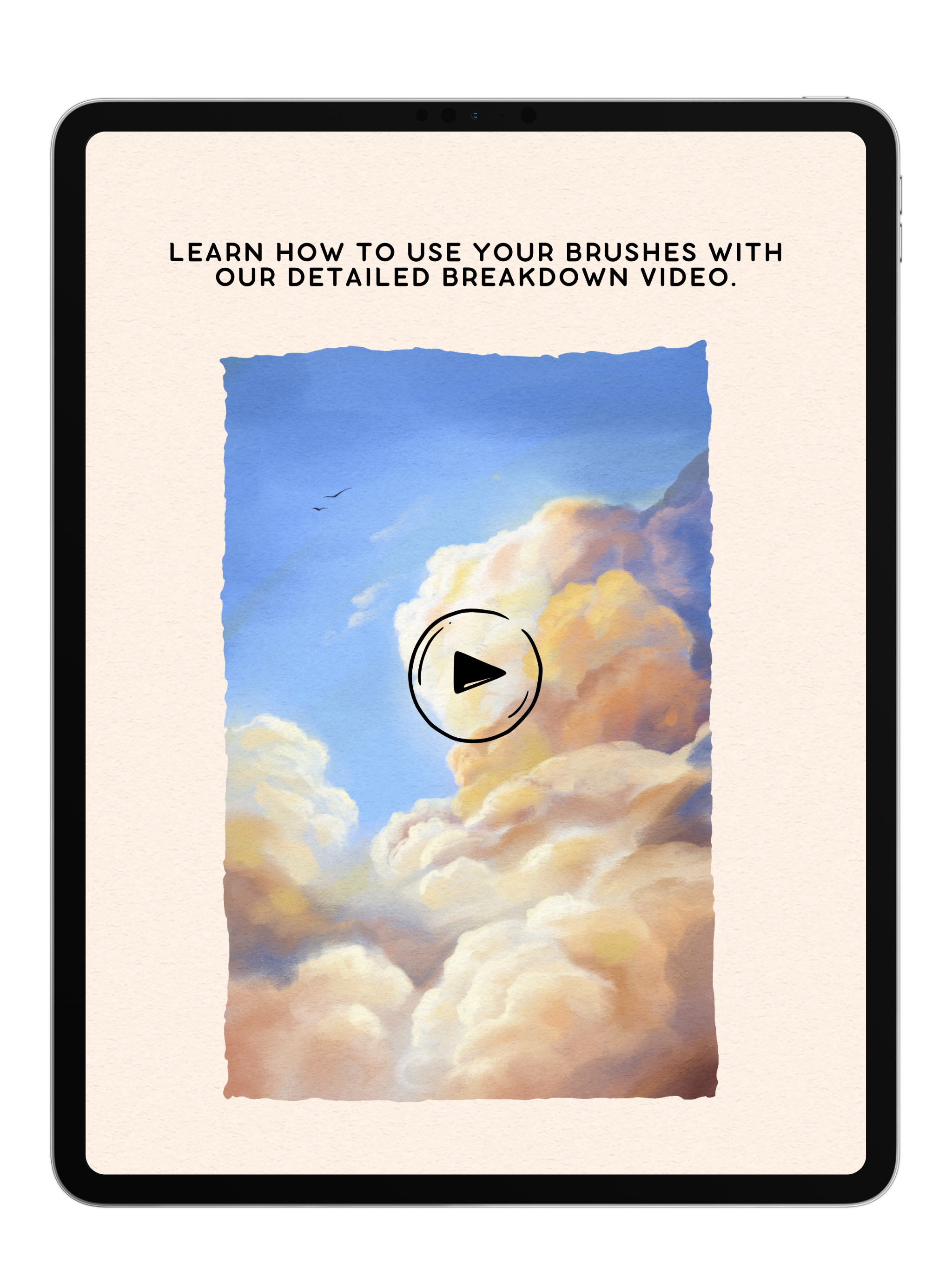
- Video Tutorial
Pairs well with
Gouache Brushes
If you have any questions, you are always welcome to contact us. We'll get back to you as soon as possible, within 48 hours on weekdays.
-
Product Delivery
Once you complete your purchase, you'll receive instant access to your products via email—no waiting required!
-
Customer Support
Need help? Our team is here to assist you and will get back to you within 1-2 business days
-
FAQ’s
Find answers to common questions about accessing products, importing brushes, and more in our FAQs
Product Features and Benefits
What’s Inside?
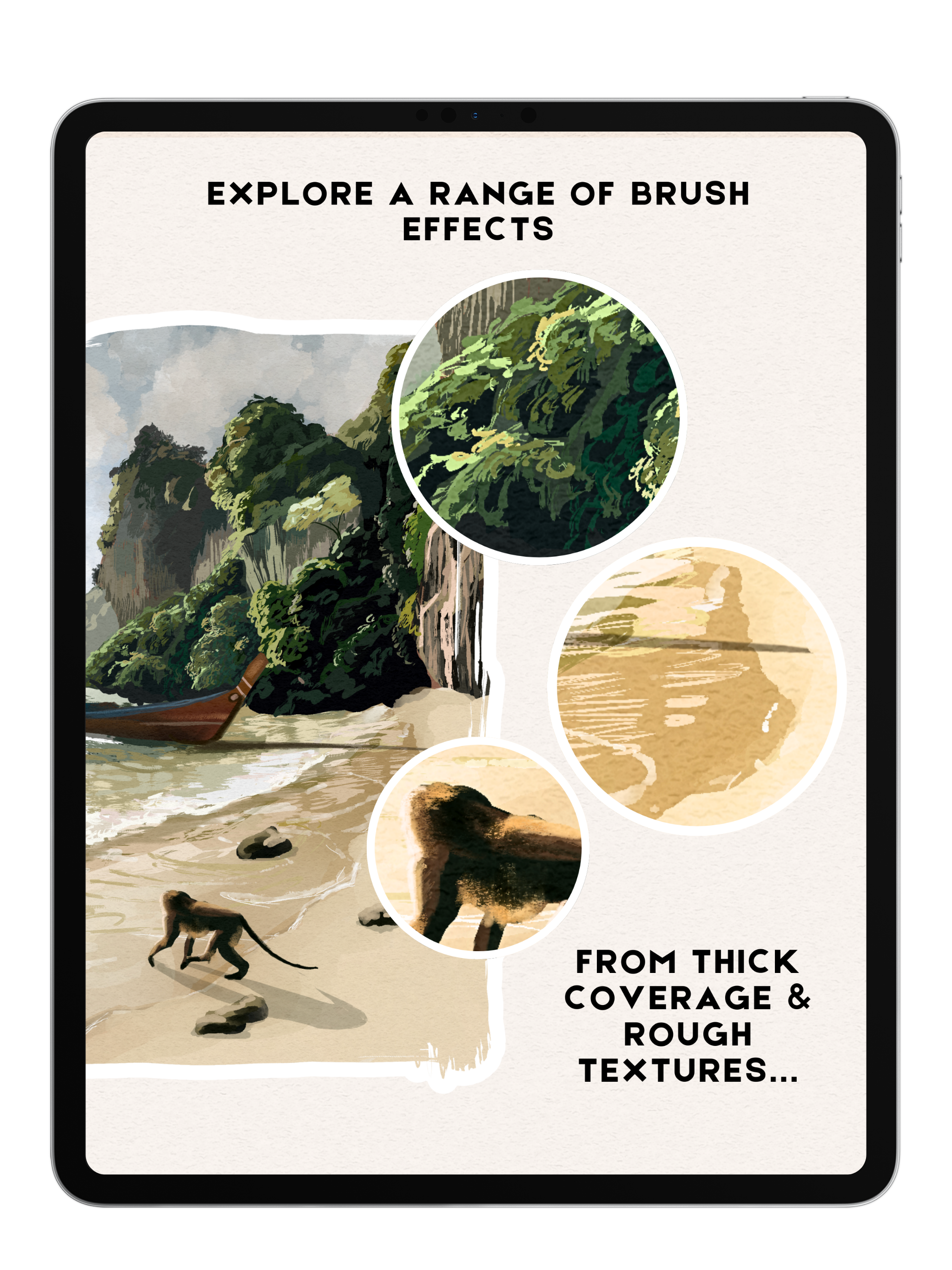
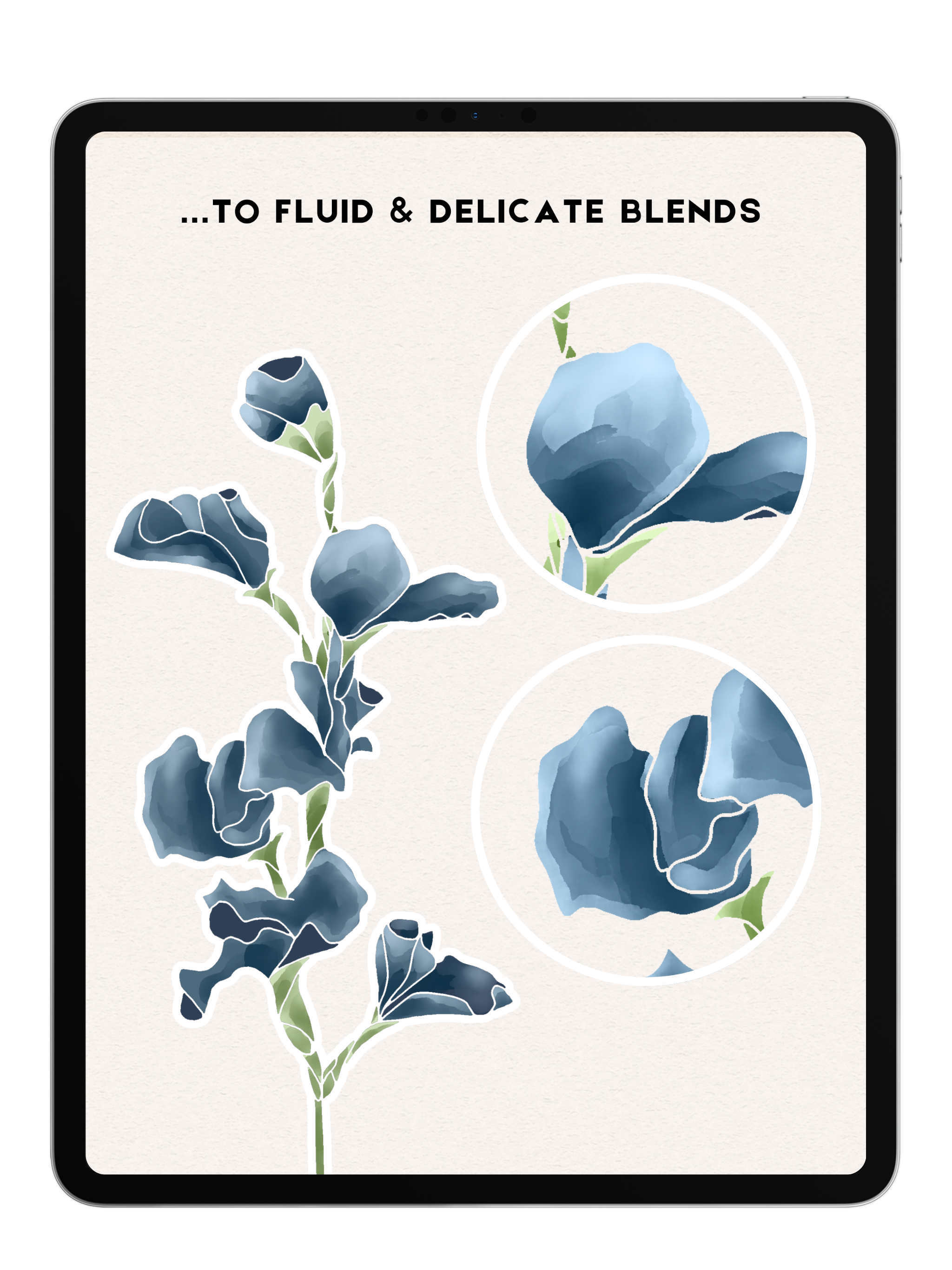
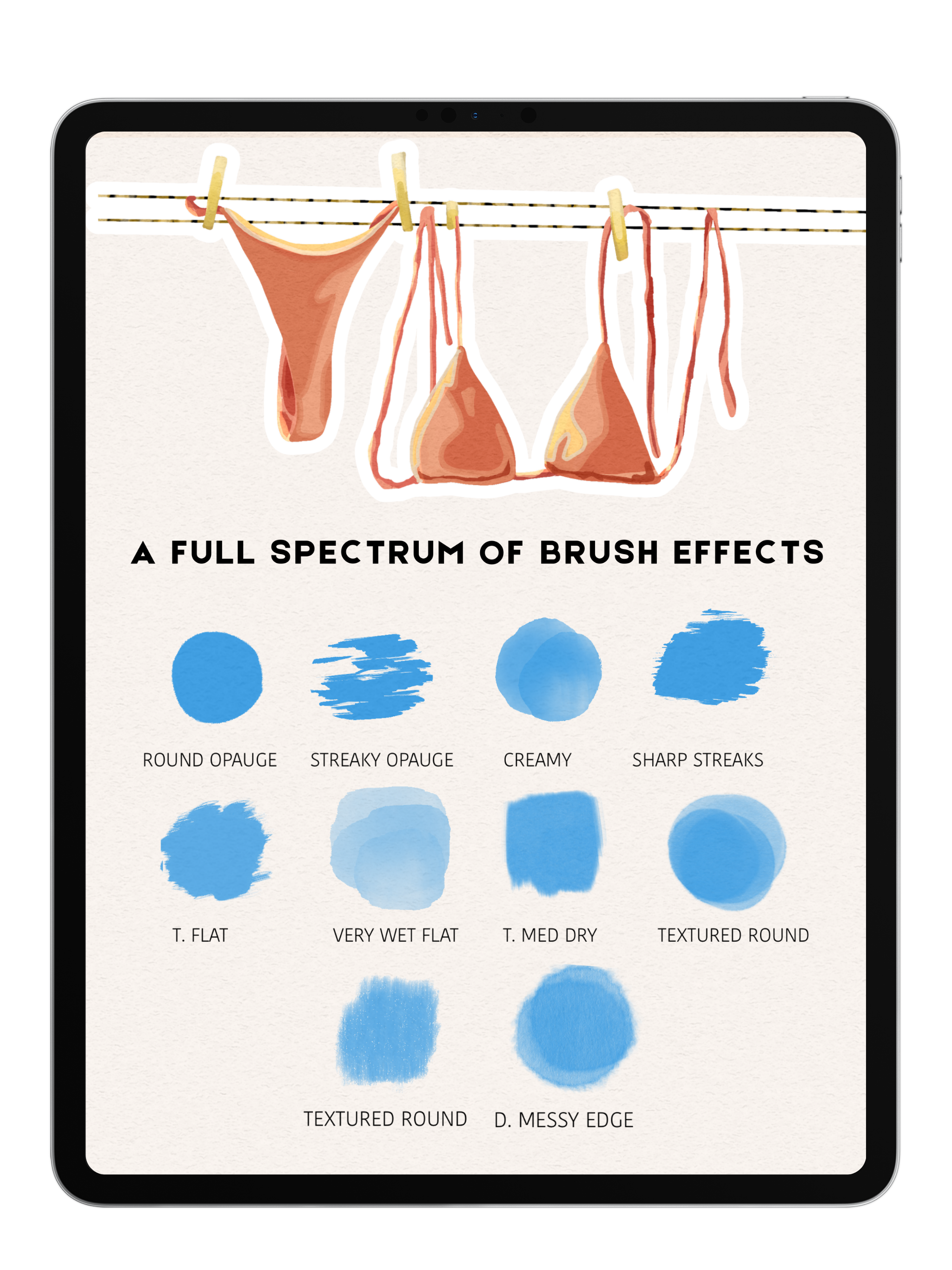
- 20 Gouache Brushes – From thick, opaque strokes to smooth, fluid blends, these brushes replicate the versatility of real gouache paint.
- 5 Paper Textures – Add depth and authenticity to your artwork with realistic paper surfaces.
- 5 Curated Color Palettes – A thoughtfully selected range of hues to bring vibrancy and harmony to your creations.
- Step-by-Step Video Tutorial – Learn how to get the most out of these brushes with expert guidance.
Why You’ll Love It
- Fluid & Expressive – Enjoy the flexibility of gouache, whether you want soft, translucent layers or bold, opaque strokes.
- Effortless Blending – Create seamless gradients and painterly effects with ease.
- Made for Artists of All Levels – Whether you’re a seasoned pro or a beginner, these brushes offer creative freedom and control.
- Optimized for Procreate & Clip Studio Paint – A smooth, intuitive digital painting experience without any extra setup.
Commercial License
Use our brushes in your artwork—personal or commercial—and sell your creations freely. Just remember, reselling or sharing the brushes themselves isn’t allowed. No attribution needed, just great art. Get started now and bring your vision to life! Full details in our Terms of Service or contact anna@digitalartjunky.com.
See the Difference: Painting with and without Our Paper Texture

Without

With
I love these brushes. They are creamy and create beautiful paintings. This painting was done watching a Lucy Brydon tutorial using the gouache set.
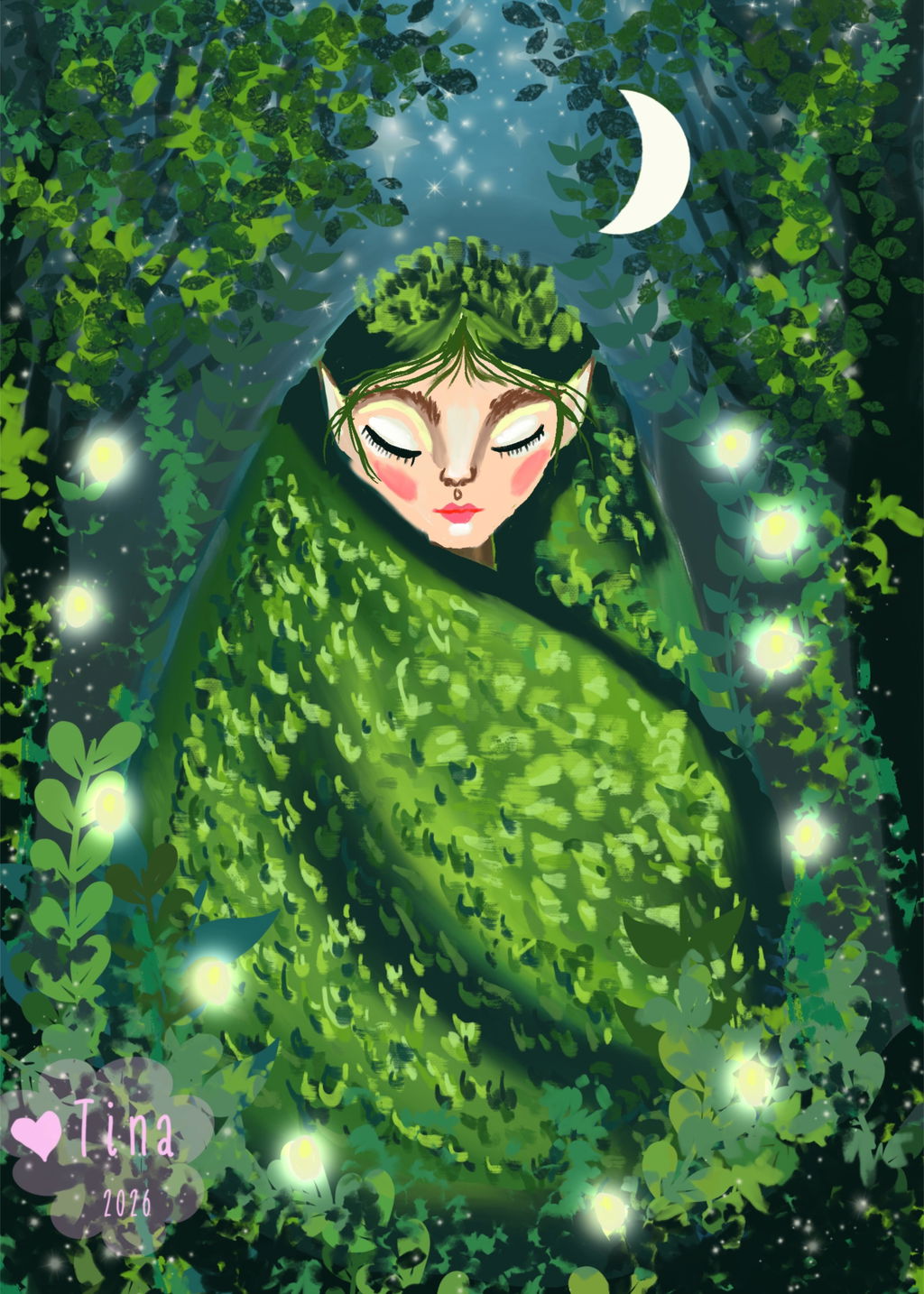
Amazing brushs
This is my second pack of brushes that I’ve bought and am in love with these!!!!!! Can’t wait to expand my brush collection with more Digital Art Junky brushes!!! Thanks so much for creating these!!!!!
Not bad. Id love to see an actual tutorial using these brushes in clip studio
Love these brushes. Never bought any before so learning curve on installing them, but a few clicks and they are good to go.
A very nice set of brush, very fluid and nice texture.
Love it
Love it, great brush range
This Clip studio beginner artist loves them! I also like the fact that she has a how-to-use the brushes video.
They pretty good
Outside of my Cybersecurity training, I'm learning 3D sculpting and mastering Procreate. Anna, love your business. The brushes, color palettes, etc., and the mastery. Thank you, copped 2 more brushes today! In the process of changing my life, but ART will always be in my heart ❤️
Gouache Brushes
The brushes are great and very nice 👍
These might be my favorite of Junky’s next to the watercolor set, they feel nice to use and look even better!
Gouache Brushes
Let me preface by saying: I’m an amateur digital artist. I only have a few years’ experience drawing digitally, and I’m still trying to get used to it. That said, these brushes feel so natural. They genuinely feel authentic to the real deal. I’ve wanted brushes in procreate that act and “flow” the way the natural brushes in Fresco “flow”. I was ready to resign my search and just switch to fresco, u til I decided to give DAJ brushes a try. I got a sample pack of brushes and really liked them, so I figured it wouldn’t be a total loss to spend money. Zero disappointments. All of the packs interact beautifully with one another and amongst their own category. 10/10. I got the gouache, watercolor, and inking brushes.
I suggest them they are very well done same thing for the watercolor
I’m really happy with both
Best brushes ever
The brushes are great! Very easy to download, really great quality!
I quite enjoy the effects in the brush pack, and how I can create realistic-looking gouache paintings digitally. There are a couple of brushes I don’t use as much, but overall, it’s a very nice set. Would recommend buying.
Gouache Brushes
Amazingly realistic and fun to play around with. I love them.
Very good
i LOVE these brushes. i was worried they wouldn’t work with my art style but like art is a creative medium so idk what i was thinking. anyways i was worried bc like i’ve bought brushes before and they’re good but like not special, but this brush pack is truly amazing. i’m definitely gonna be purchasing more from here in the future.
it’s a complete scam, i didn’t get any of the brushes
Hi! I'm so sorry you had a negative experience! You should have received an instant download with your brushes. This may have been due to an incorrect email entered at checkout. Please feel free to send us an email so that we can locate your order and re-send you the files!
Absolutely perfect
Love these brushes. So easy to download and easy to use.
Very pleased with this brush set. Very easy to use and create with.
FAQs
Please read our FAQs page to find out more.
How do I import my Procreate brushes and color palettes?
- After placing an order with Digital Art Junky, you will receive an email containing a download link to your files.
- Open the email and download the file onto your computer or iPad. The digital file will arrive in a .zip format.
- If you're using an iPad, decompress the .zip folder by tapping it once.
- If you're using a laptop, decompress the .zip folder by double-clicking or right-clicking the file and select "decompress".
- Then, using your iPad- open the file and tap your Procreate brush or color pallete file once. this will import it directly into procreate.
How do i download my Clip Studio Paint Brushes?
- After placing an order with Digital Art Junky, you will receive an email containing a download link to your files.
- Open the email and download the file onto your computer or iPad. The digital file will arrive in a .zip format.
- If using an iPad, decompress the .zip folder by tapping it once .
- If using a computer, decompress the .zip folder by double-clicking or right click the file and select "decompress".
- Open Clip Studio Paint on your computer or tablet. Make sure that you have the latest version of Clip Studio Paint installed, as older versions may not support importing brushes.
- In Clip Studio Paint, go to the "Tool" palette located on the left-hand side of the screen. If you don't see the "Tool" palette, you can open it from the "Window" menu in the top menu bar.
- Open a brush folder of your choice by clicking on one of the brush icons in the Tool menu- then open the full list of Sub Tools
- Locate the downloaded brush file on your computer or tablet.
- Drag and drop the brush file from your computer or tablet into the brush folder you have opened.
How do I import my paper textures?
- After downloading the paper texture file to your iPad or iCloud/Files app, open Procreate.
- Go to the Actions menu (wrench icon) and select "Insert a file."
- Find the texture file you downloaded and tap on it to import it into your canvas.
To use the texture:
- Make sure the texture layer is at the top of your Layers panel, then adjust it to cover the entire canvas. Finally, tap the "N" beside the layer to open the layer settings and select "Linear Burn" to apply the texture.
How quickly will I recieve my order?
Once your order is confirmed on the website, you will instantly receive an email with your download link.
If after 5 minutes you don't see the email in your inbox or your junk folder, contact us!