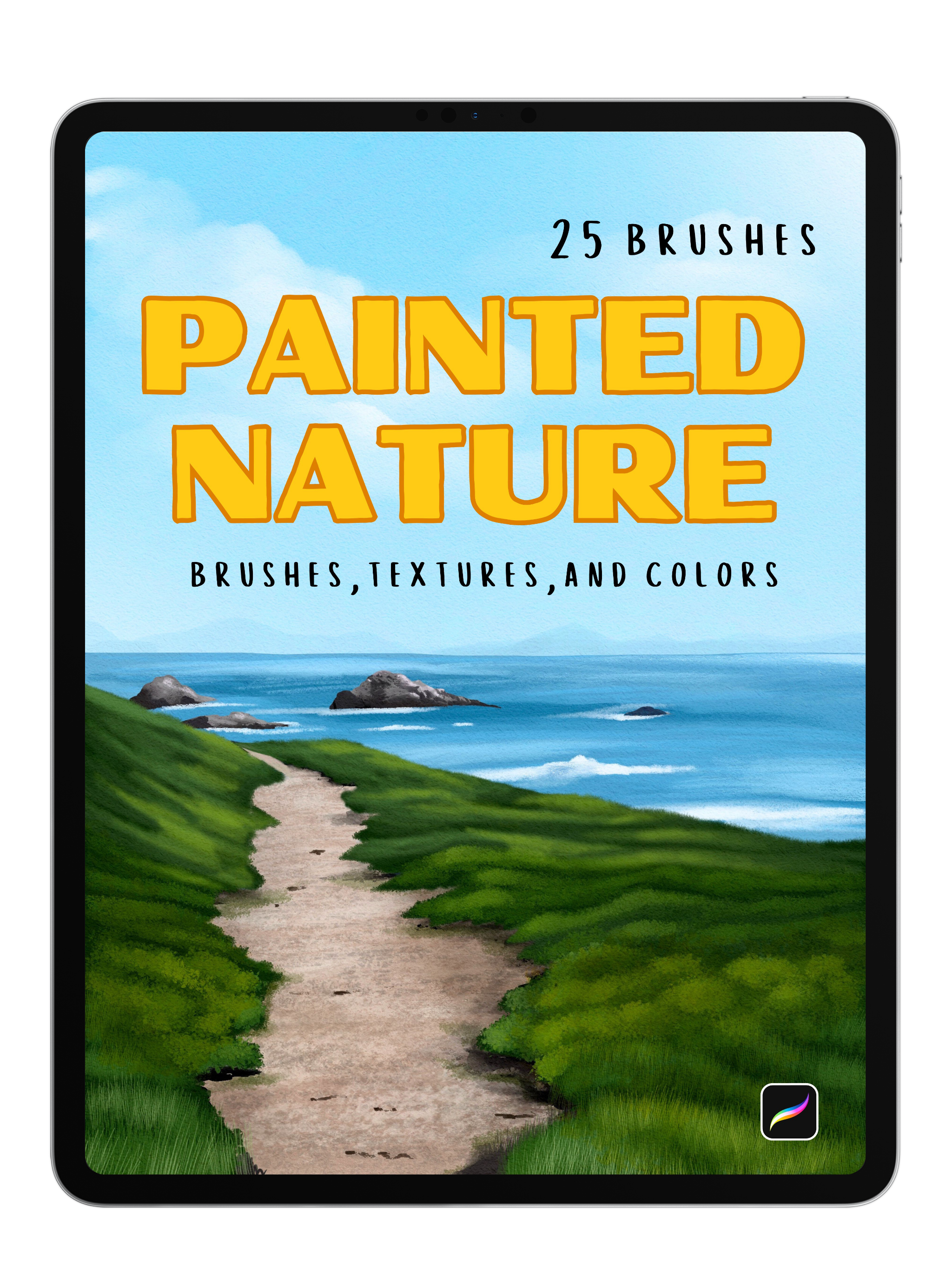
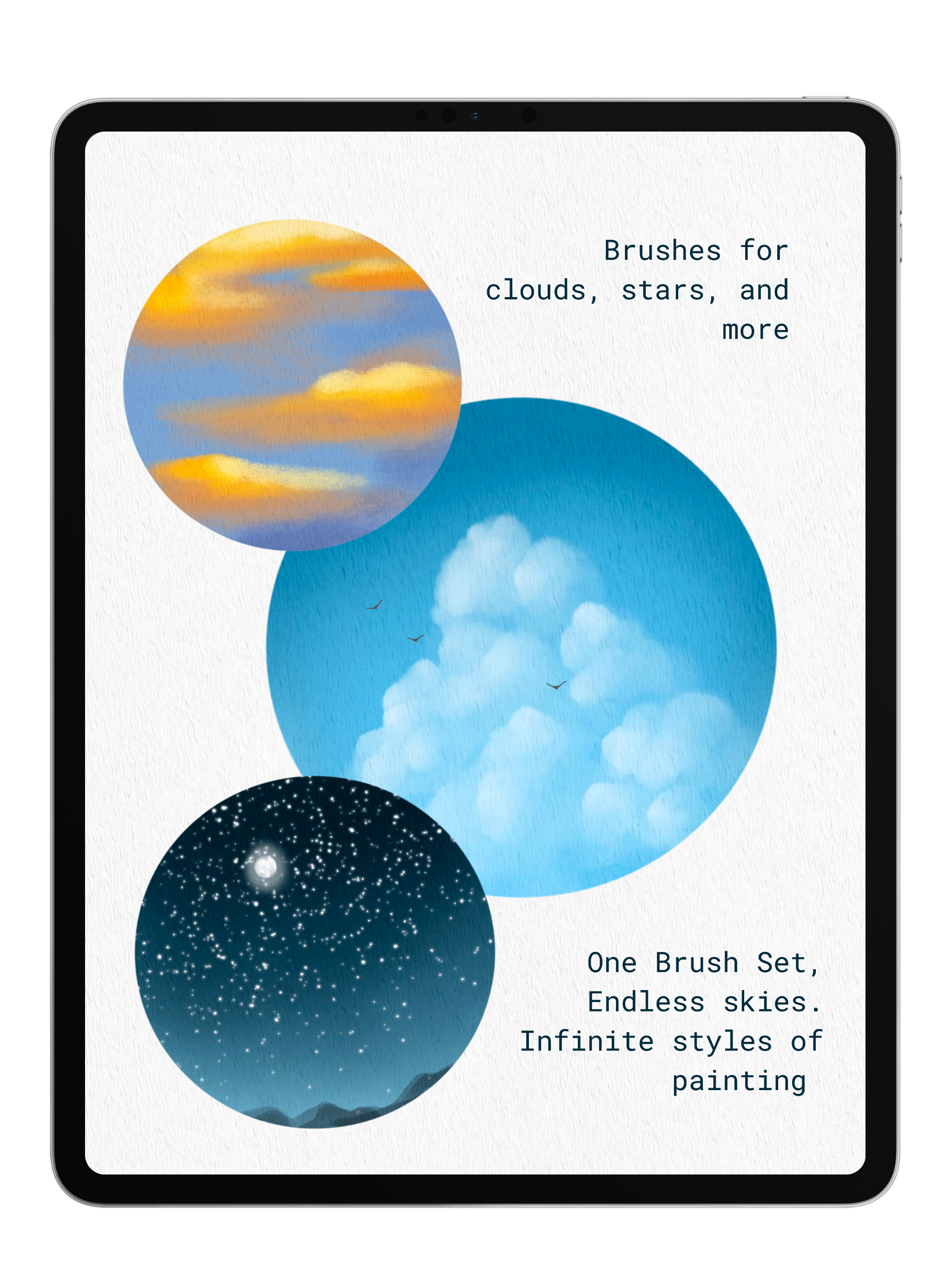


Painted Nature
25 Procreate brushes for painting landscapes that look traditional, not digital.
Painted Nature gives you everything you need to build loose, organic paintings without that overworked or stamped look.
Foundation brushes for blocking in your compositions, plus specialty brushes for leaves, grass, clouds, terrain, and more — all in one cohesive set. Includes 5 paper textures and 5 color palettes to complete the toolkit.
25 brushes · 5 paper textures · 5 color palettes · Video Walkthrough
Pairs well with
Painted Nature
If you have any questions, you are always welcome to contact us. We'll get back to you as soon as possible, within 48 hours on weekdays.
-
Product Delivery
Once you complete your purchase, you'll receive instant access to your products via email—no waiting required!
-
Customer Support
Need help? Our team is here to assist you and will get back to you within 1-2 business days
-
FAQ’s
Find answers to common questions about accessing products, importing brushes, and more in our FAQs
Product Features and Benefits
What’s Inside?
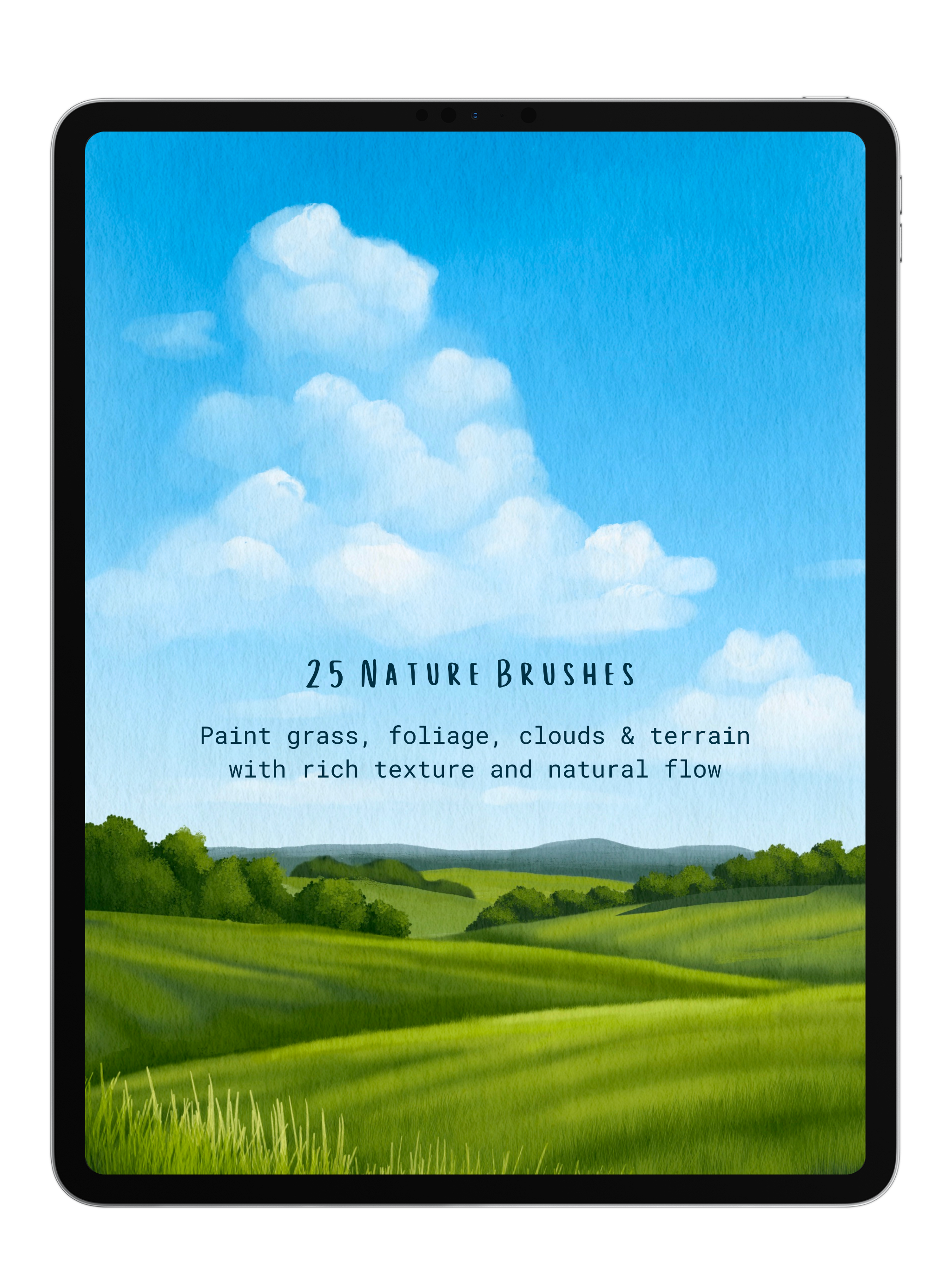
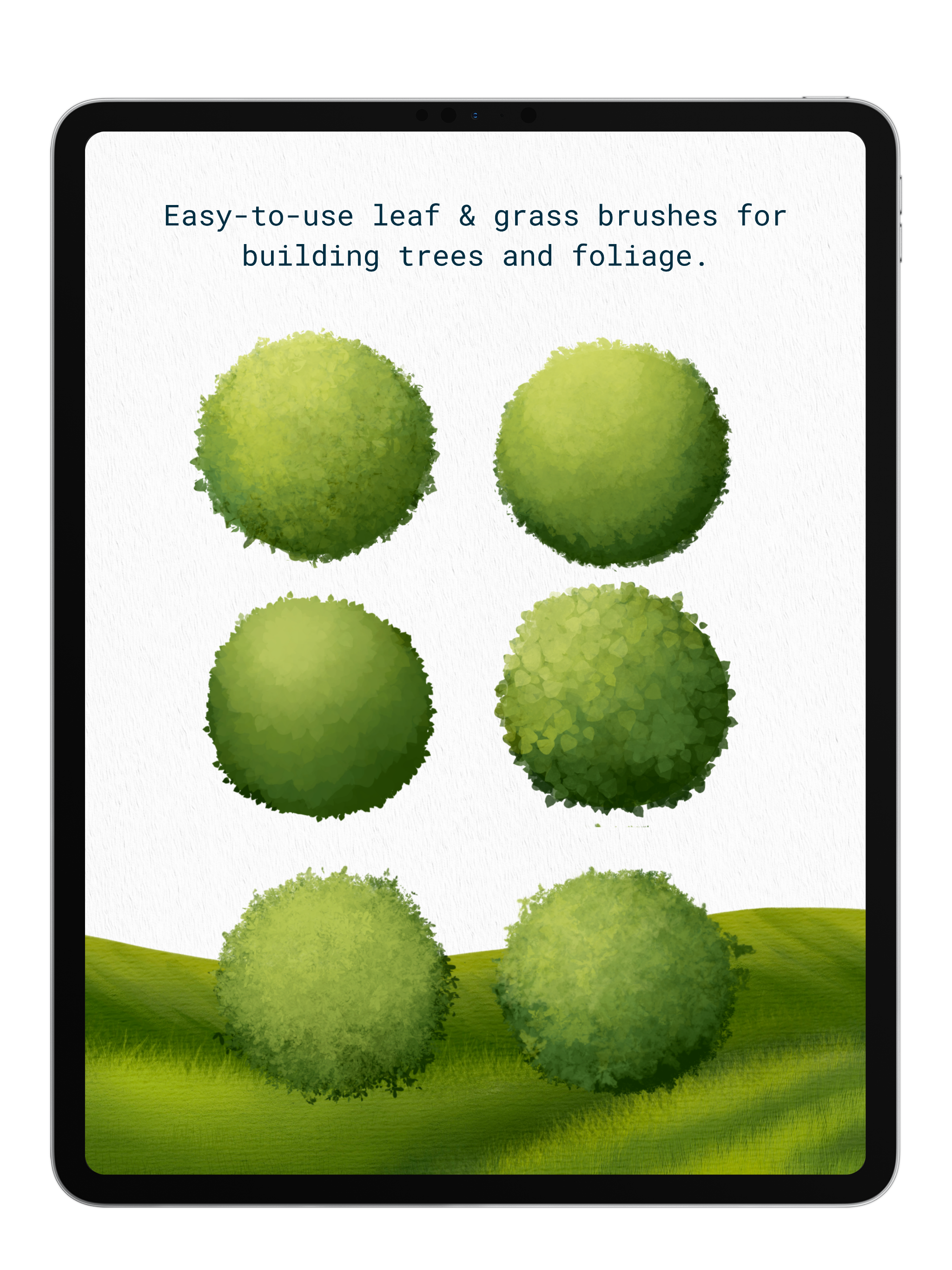
- 25 Painted Nature Brushes: Everything you need to paint realistic landscapes in Procreate. Includes versatile brushes for building the foundation of your paintings, plus easy-to-use brushes for leaves, grass, clouds, terrain, and more — all without that stiff, stamped look.
- 5 Paper Textures: High-resolution backgrounds that make your work look like its on real paper or canvas.
- 5 Color Palettes: Carefully curated nature-inspired palettes to take the guesswork out of color harmony, so you can spend less time choosing colors and more time painting.
Why You’ll Love It
Easy Without Being Limiting These brushes take the hard parts of painting nature and make them simple — without doing all the work for you. Since nothing is a stamp or an over-rendered shortcut, your paintings still feel like yours.
Paint in Any Style Going for a loose watercolor look? A bold acrylic painting? These brushes are versatile enough to pull off multiple styles so you're never locked into one aesthetic.
Built for Landscapes From blocking in your sky and terrain to adding the finishing details on leaves and grass, this pack covers every stage of a landscape painting in one cohesive set.
Commercial License
Use our brushes in your artwork—personal or commercial—and sell your creations freely. Just remember, reselling or sharing the brushes themselves isn’t allowed. No attribution needed, just great art. Get started now and bring your vision to life! Full details in our Terms of Service or contact anna@digitalartjunky.com.
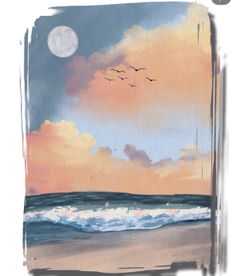
See the Difference: Painting with and without Our Paper Texture

Without

With Texture
FAQs
Please read our FAQs page to find out more.
How do I import my Procreate brushes and color palettes?
- After placing an order with Digital Art Junky, you will receive an email containing a download link to your files.
- Open the email and download the file onto your computer or iPad. The digital file will arrive in a .zip format.
- If you're using an iPad, decompress the .zip folder by tapping it once.
- If you're using a laptop, decompress the .zip folder by double-clicking or right-clicking the file and select "decompress".
- Then, using your iPad- open the file and tap your Procreate brush or color pallete file once. this will import it directly into procreate.
How do i download my Clip Studio Paint Brushes?
- After placing an order with Digital Art Junky, you will receive an email containing a download link to your files.
- Open the email and download the file onto your computer or iPad. The digital file will arrive in a .zip format.
- If using an iPad, decompress the .zip folder by tapping it once .
- If using a computer, decompress the .zip folder by double-clicking or right click the file and select "decompress".
- Open Clip Studio Paint on your computer or tablet. Make sure that you have the latest version of Clip Studio Paint installed, as older versions may not support importing brushes.
- In Clip Studio Paint, go to the "Tool" palette located on the left-hand side of the screen. If you don't see the "Tool" palette, you can open it from the "Window" menu in the top menu bar.
- Open a brush folder of your choice by clicking on one of the brush icons in the Tool menu- then open the full list of Sub Tools
- Locate the downloaded brush file on your computer or tablet.
- Drag and drop the brush file from your computer or tablet into the brush folder you have opened.
How do I import my paper textures?
- After downloading the paper texture file to your iPad or iCloud/Files app, open Procreate.
- Go to the Actions menu (wrench icon) and select "Insert a file."
- Find the texture file you downloaded and tap on it to import it into your canvas.
To use the texture:
- Make sure the texture layer is at the top of your Layers panel, then adjust it to cover the entire canvas. Finally, tap the "N" beside the layer to open the layer settings and select "Linear Burn" to apply the texture.
How quickly will I recieve my order?
Once your order is confirmed on the website, you will instantly receive an email with your download link.
If after 5 minutes you don't see the email in your inbox or your junk folder, contact us!